Kitchen Scale Tare Button Not Working? Quick Fixes That Work
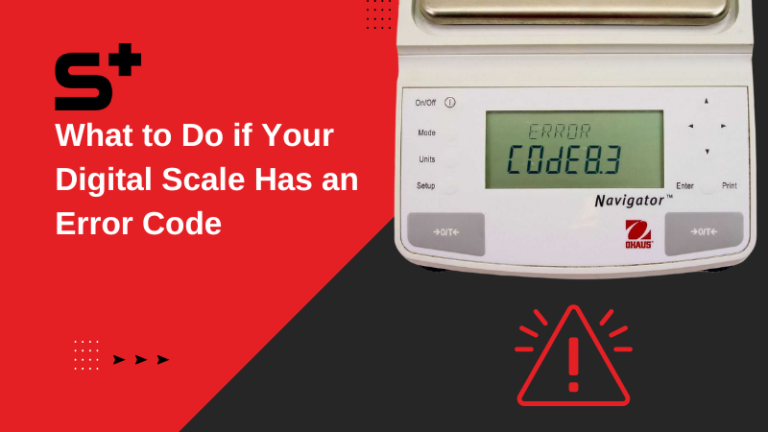
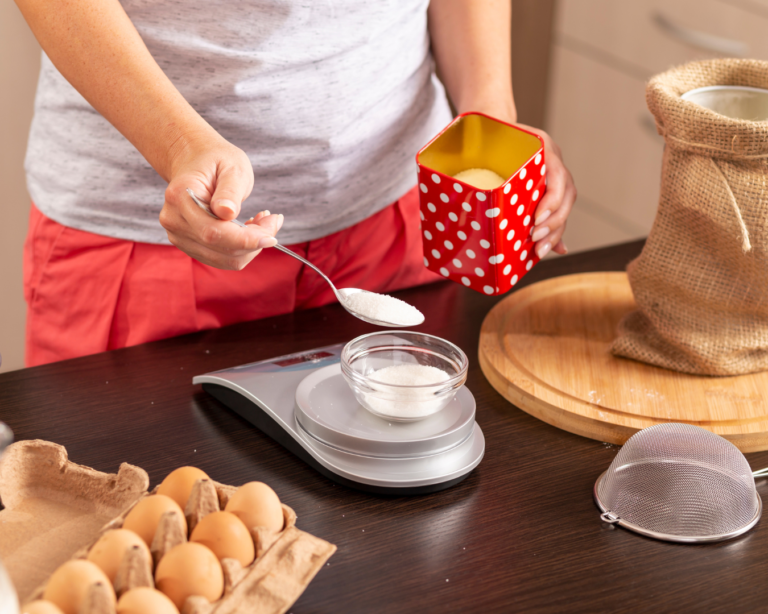
A kitchen scale tare button not working is one of those tiny failures that wrecks an entire bake. You set your bowl down, press tare, and the display just sits there staring back at you. Sometimes it beeps and does nothing.
Sometimes it zeroes out but then reads 40g heavier than it should on the next ingredient.
The good news is that most tare failures are electrical or mechanical housekeeping, not a dead scale. Manufacturer specifications indicate that alkaline AAA cells in consumer kitchen scales typically last 6 to 12 months of regular use, and voltage drop is the single most common trigger for unresponsive buttons. Before you bin the thing, work through the causes in order.
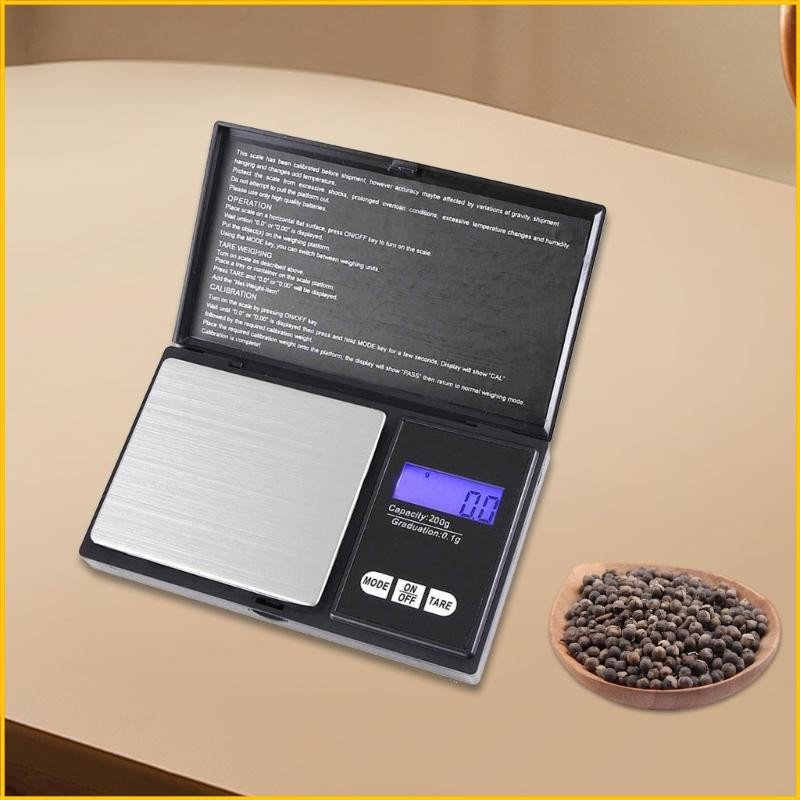
Image source: Bing (Web (fair-use with source credit))
Quick Answer
Most tare button failures come from weak batteries or corroded terminals. Replace the cells first. If tare still fails, clean dried food from around the button seam.
Moisture inside the housing needs 24 to 48 hours of air drying. A button that no longer clicks usually means a failed internal tactile switch.
Why Your Kitchen Scale Tare Button Stops Working (It's Not Always the Button Itself)
The tare button is just a switch. It tells the scale's processor to store the current weight as the new zero. When that instruction never arrives, the fault sits in one of four places: power, contact, the switch itself, or the load cell behind it.
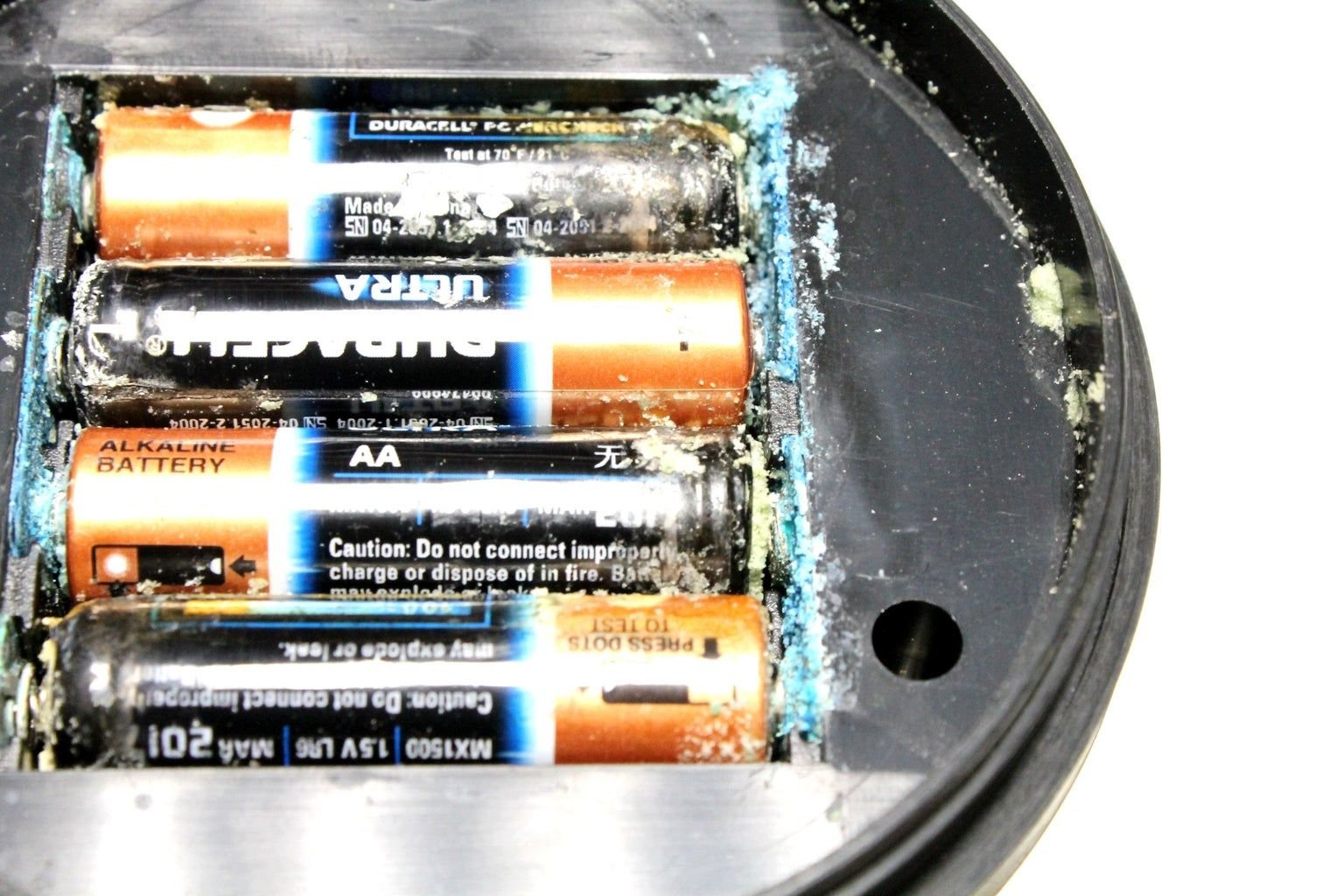
Image source: Bing (Web (fair-use with source credit))
Low voltage is the sneaky one. A scale will happily power on and show a reading at 2.4V when it needs 3V to run the tare logic properly. So the display looks fine and you assume the batteries are good.
They aren't.
Here's how the common causes break down:
| Cause | What you'll notice | How common |
|---|---|---|
| Weak or dying batteries | Display works, tare does nothing or lags | Very common |
| Battery terminal corrosion | Intermittent response, scale flickers off | Common |
| Food or liquid under the button | Button feels sticky, mushy, or stuck down | Common |
| Moisture inside the housing | Worked fine, then failed after washing | Occasional |
| Failed tactile switch | No click at all, hard press does nothing | Less common |
| Load cell damage after a drop | Tare works but readings drift or show ERR | Less common |
Humidity matters more than people expect. Scales used in kitchens in the humid Southeast US or in tropical climates fail earlier, because moisture creeps into the button seams and oxidises the contacts underneath. If your scale lives next to a boiling kettle, that's part of the story.
30-Second Diagnostic Check: 3 Questions to Pinpoint Your Exact Tare Issue
Don't start unscrewing anything yet. Answer these three questions and you'll know which branch you're on.
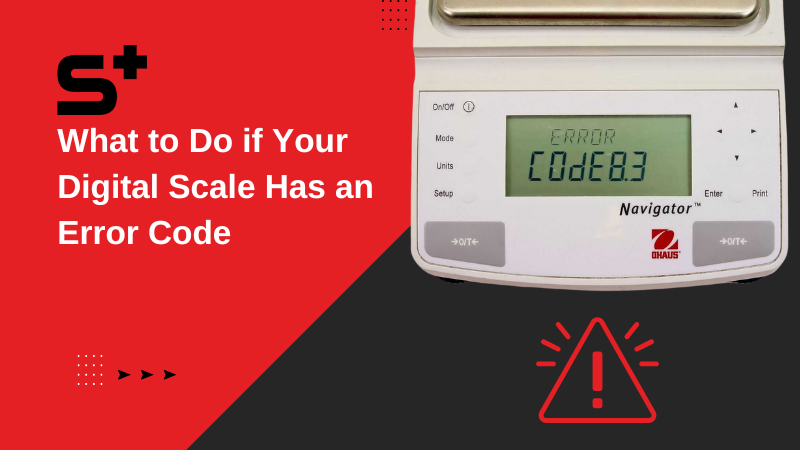
Image source: Bing (Web (fair-use with source credit))
If your tare button is stuck, unresponsive, or doesn't click when pressed
This is a physical fault. Press the button and feel for the click. A healthy tactile switch gives a crisp, short click under light pressure, roughly 0.5 to 2 newtons on most consumer scales.
- Mushy or sticky click, then it's residue. Dried flour, honey, or oil has worked into the seam.
- Zero click and zero travel, then the button is jammed or the switch has failed.
- Click feels normal but nothing happens, then jump to the battery check first.
Sugar syrup and honey are the worst offenders. They dry into a hard glaze that glues the button cap to the housing.
If your tare button registers a press but won't zero the scale, shows ERR codes, or returns incorrect weights
Now you're looking at a logic or load cell problem, not a switch problem. The button is working. The scale just can't act on it.
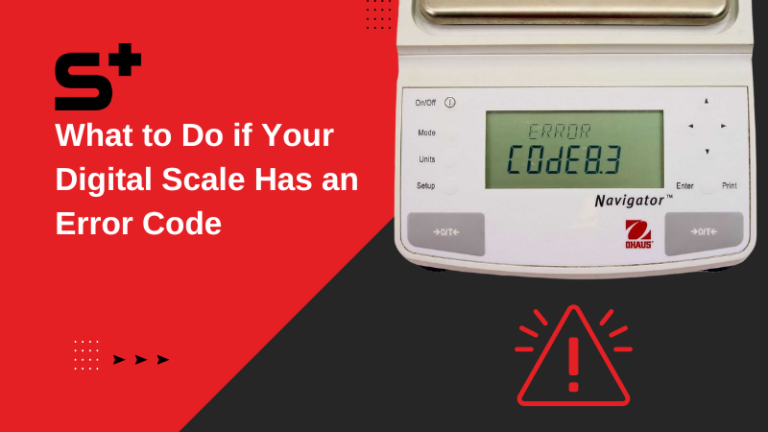
- ERR, EEE, or O-Ld usually means overload. Your container plus contents exceeds capacity, or your container alone exceeds the tare range.
- Tare range is not the same as total capacity. Many 5kg scales only allow tare offsets up to 2kg.
- Tare works but the next reading is off by a fixed amount, then the scale needs recalibration.
- Unstable numbers that never settle mean the platform is on an uneven surface or the load cell is damaged.
Try this: clear the platform completely, power cycle, then press tare with nothing on it. If it zeroes cleanly with an empty platform but fails with a bowl, it's a tare range or overload issue.
If tare stopped working immediately after dropping the scale, spilling liquid on it, or hand-washing it
Timing tells you everything. A fault that appeared within minutes of an event points straight at that event.
- After a drop, the load cell has likely shifted or bent. Tare may respond but readings drift.
- After a spill or wash, moisture is bridging the contacts. Do not power it on again yet.
- After washing under a tap, check the IP rating. IPX4 handles splashes. Only IPX7 rated scales tolerate submersion.
Most consumer kitchen scales carry no IP rating at all. That means the button housing is effectively open to water.
Step-by-Step Fixes for Low-Effort, No-Cost Tare Button Problems
Work through these in order. Roughly 80 percent of tare faults resolve in the first two steps, and neither costs you anything.
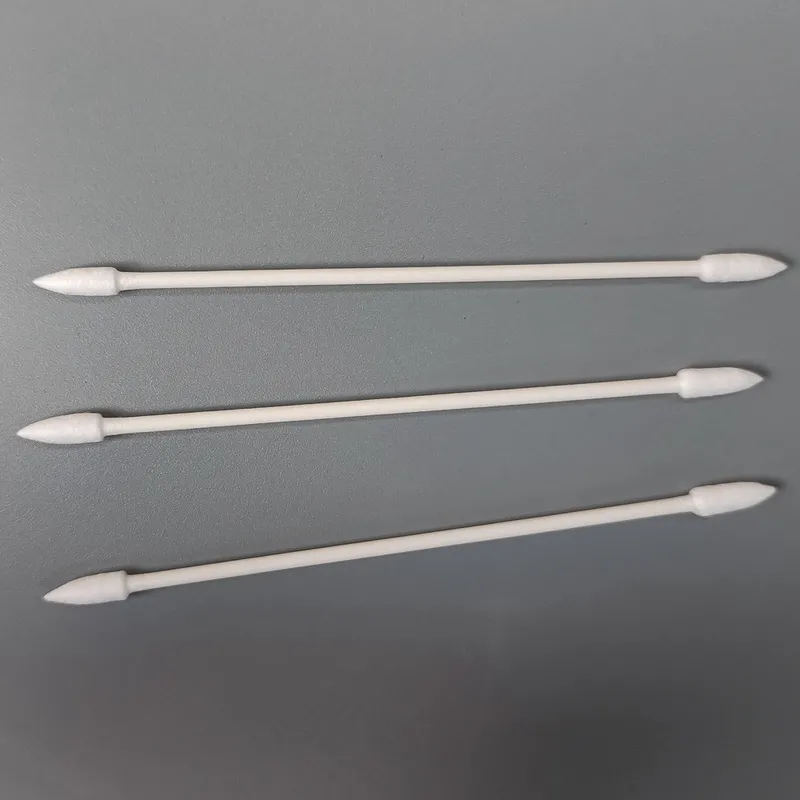
Image source: Bing (Web (fair-use with source credit))
Step 1: Replace the batteries with fresh ones. Not the ones from the drawer. Not the ones from the TV remote. New cells, correct type, correct orientation.
This alone fixes the majority of unresponsive tare buttons.
Step 2: Inspect and clean the terminals. Pull the batteries. Look for white or greenish crust on the springs and contacts. Scrub it off with a cotton bud dipped in white vinegar, then dry thoroughly.
The EPA advises handling leaked battery material carefully and washing hands afterwards.
Step 3: Clean around the button. Dampen a cotton swab with 70 percent isopropyl alcohol. Work it around the seam of the tare button in small circles. Press the button 10 to 15 times as you go to break up residue underneath.
Step 4: Dry out any moisture. Remove the batteries, leave the compartment open, and let the scale sit for 24 to 48 hours at room temperature. No hairdryers. No radiators.
Heat warps the plastic housing and can damage the load cell.
Step 5: Power cycle and factory reset. Remove batteries for 60 seconds, then reinstall. Check your manual for the reset sequence, since it varies by brand. Ozeri, Escali, Taylor and Greater Goods all publish their manuals on their official sites.
Step 6: Recalibrate. If tare responds but the numbers are wrong, run the calibration routine using a known weight. A 100g or 500g calibration weight is the standard reference.
| Fix | Time needed | Cost | Success rate |
|---|---|---|---|
| Fresh batteries | 2 minutes | £2 to £5 | High |
| Terminal cleaning | 5 minutes | Near zero | High |
| Button residue cleaning | 10 minutes | Near zero | Moderate |
| Moisture drying | 24 to 48 hours | Free | Moderate |
| Recalibration | 5 minutes | £5 to £12 for weights | Moderate |
Decision Guide: Repair Your Scale's Tare Button or Replace It Entirely
Here's the blunt maths. As of 2026, a decent digital kitchen scale costs roughly $10 to $50 in North America and £8 to £25 in the UK. Replacing an internal tactile switch runs $15 to $30 at a repair shop, plus your time.
So for a basic £12 scale, repair almost never makes financial sense. For a £60 precision baking scale with 0.1g resolution, it absolutely does.
Repair is worth it if:
- The scale cost more than about £40 or $50 new
- It's under warranty (most consumer scales carry 1 to 2 years)
- The fault is residue, batteries, or moisture, all free to fix
- It's a commercial unit already calibrated for your kitchen workflow
- You're comfortable with a soldering iron and the switch is a standard 6x6mm tactile type
Replace it if:
- The scale is over 5 years old and the switch has simply worn out
- It was dropped and readings drift even after calibration
- Water got inside and the display shows ghost segments
- Repair quote exceeds half the replacement price
- You need guaranteed accuracy for portioning or nutrition tracking
One thing worth checking before you spend anything: warranty status. Aggregate reviews suggest a fair number of people replace scales that were still covered. Escali and Greater Goods both handle warranty claims directly through their official sites.
Common Troubleshooting Mistakes That Waste Time or Damage Your Scale
Some of these turn a fixable scale into scrap. Worth knowing before you start poking around.
- Rinsing the scale under a tap. Unless it's rated IPX7, water goes straight into the button housing and the electronics below. This is the number one way people finish off a scale that was only mildly faulty.
- Using bleach, ammonia, or abrasive cleaners. They degrade the button membrane and cloud the display. Isopropyl alcohol or a barely damp cloth is all you need.
- Cleaning with the batteries still in. Any stray moisture can short the board. Pull them first, every time.
- Pressing the tare button harder and harder. Excess force snaps the switch stem off the board. If light pressure doesn't work, force won't either.
- Ignoring the tare range limit. Weighing a heavy stoneware bowl on a 5kg scale often exceeds the 2kg tare offset. The scale isn't broken. You've asked it to do something it can't.
- Calibrating on a soft or uneven surface. Chopping boards, tea towels and hob grates all throw off the load cell. Use a flat, hard countertop.
- Skipping the drying window. Powering on a damp scale after two hours instead of 24 causes corrosion that shows up weeks later.
- Mixing old and new batteries. Different voltages create unstable power and the exact intermittent tare behaviour you're trying to fix.
One more worth flagging. If your scale's platform contacts food directly, avoid harsh solvents on the weighing surface entirely. The FDA sets requirements for food contact materials, and aggressive chemicals can degrade the coating on cheaper plastic platforms.
Long-Term Maintenance to Keep Your Tare Button Working for Years
Most tare button failures are preventable with a simple routine. Wipe the control panel and button seams with a barely damp cloth after every use. Dried sugar, flour, and oil are the top causes of sticky buttons.
Wipe up spills immediately to stop liquid seeping into the housing.
Store your scale away from the kettle, sink, or stove. Steam and splatter speed up moisture damage inside the button housing. Keep it in a dry cupboard when not in use.
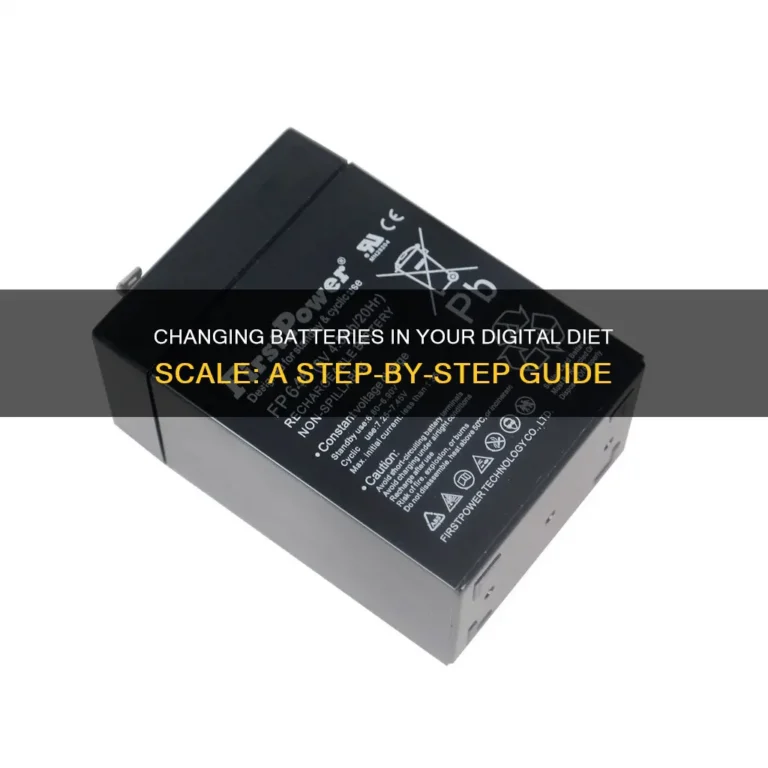
Replace alkaline batteries every 6 months, even if the scale still powers on. Low voltage causes intermittent tare failures before the display cuts out. As of 2026, lithium AA and AAA cells last up to 24 months in low-drain devices like scales, so they're worth the extra £1 to £2.
Never exceed your scale's tare offset limit, usually 1 to 2kg for 5kg capacity models. Weighing a heavy ceramic bowl past that limit triggers an overload error that mimics a broken tare button. Calibrate every 3 to 6 months if you bake or track portions, using a 100g or 500g standard weight.
Quick Final Check: Is Your Tare Button Issue Fully Resolved?
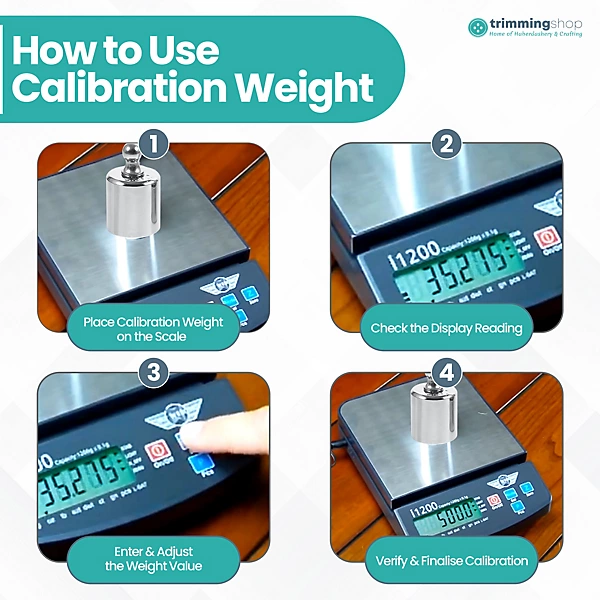
Image source: Bing (Web (fair-use with source credit))
A fix isn't done until you verify it works under real conditions. Start with a 100g certified calibration weight. Place it on the scale, press tare, and confirm the display reads 0.00g exactly.
Any offset means you still have a calibration or load cell issue.
Next, test the full tare workflow. Put a mixing bowl on the scale, tare to zero it, add 50g of flour, remove the flour, and tare again. The display should return to 0.00g each time.
If it lags or reads incorrectly, repeat the cleaning and drying steps.
Check the button feel too. It should click crisply with light pressure, no sticking. If it feels mushy or has no travel, the internal switch is damaged and needs replacement.
If all tests pass, your tare button is fully functional. If not, revisit the diagnostic check to work through the next fault branch.
Frequently Asked Questions
How do I know if my kitchen scale tare button is broken?
First rule out batteries and residue. Replace the cells with fresh ones, then clean around the button seam with isopropyl alcohol. If the button still doesn't click or respond, the internal tactile switch has failed.
A scale that displays weights but ignores tare presses almost always has a faulty switch, not a broken display.
Can I use a kitchen scale if the tare button is broken?
Yes, but it's less convenient. Weigh your empty container first, note the weight, then weigh the container plus ingredients and subtract manually. This works for occasional use, but it's error-prone for baking, where small measurement errors ruin recipes with multiple ingredients.
How much does it cost to fix a kitchen scale tare button?
Free fixes like battery replacement and button cleaning resolve 80% of faults. If the internal tactile switch is broken, replacement costs $15 to $30. New consumer scales cost $10 to $50, so repair only makes sense for high-end models over $50 or scales under warranty.
Is it worth repairing a kitchen scale with a broken tare button?
Repair is worth it only for scales that cost more than $50 new, are under warranty, or have 0.1g precision for professional baking. For budget scales under $25, replacement is cheaper. Units over 5 years old often have other failing components, so replacement is usually the better call.