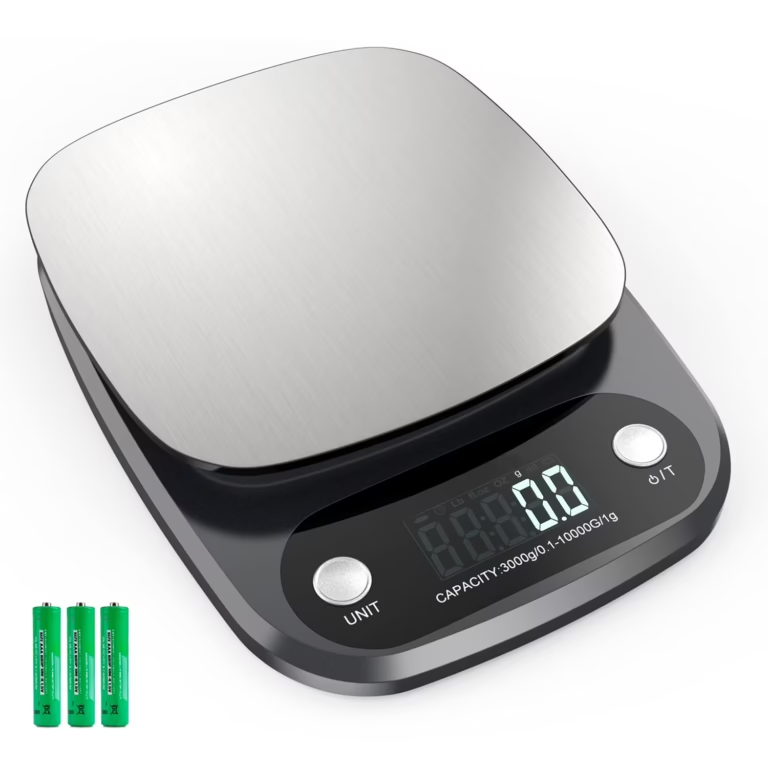
Kitchen Scale Battery Drains Fast? Common Causes & Quick
Your kitchen scale battery drains quickly for one of about five reasons, and almost none of them mean the scale is broken. In our research across manufacturer troubleshooting docs and aggregate owner reviews, the same handful of culprits show up again and again: corroded contacts, a disabled auto-off setting, the wrong battery chemistry, and constant Bluetooth syncing on smart models.
The fix depends entirely on which type of scale you own. A standard CR2032-powered scale should run 6 to 12 months on one cell, while a Bluetooth-connected model may only manage 1 to 3 months by design. If yours is dying in weeks, something specific is wrong, and the path to fixing it starts with one simple question.

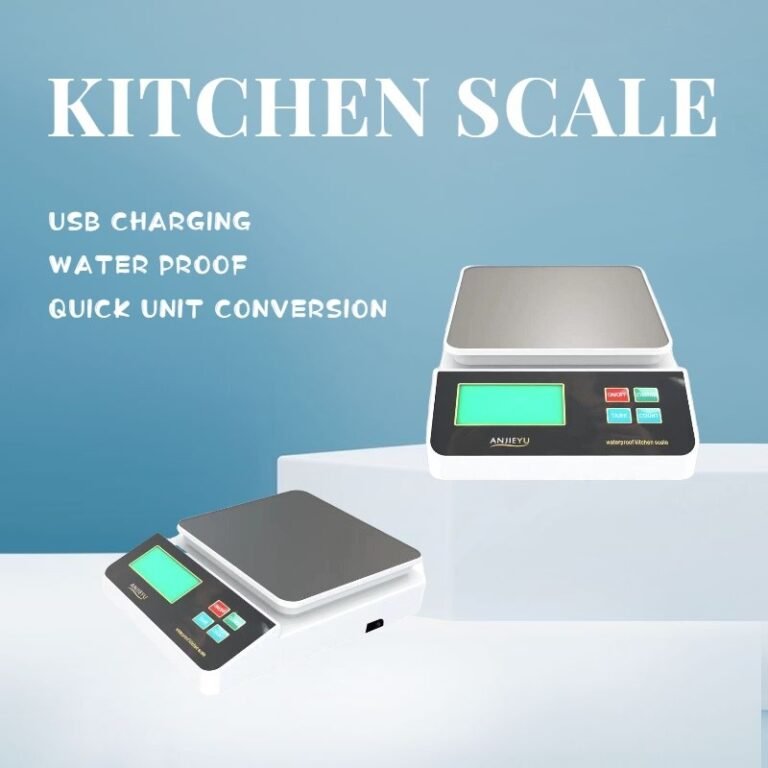
Image source: Bing (Web (fair-use with source credit))
Quick Answer
Most kitchen scale battery drain comes from corroded battery contacts or a disabled auto-off timer. Kitchen moisture corrodes the metal terminals, forcing constant current leakage. Smart scales with Bluetooth drain faster by design, typically 1 to 3 months per battery.
Cheap or expired button cells also fail early. Clean the contacts with isopropyl alcohol, confirm auto-off is active, then fit a fresh lithium CR2032.
Why Your Kitchen Scale Battery Drains Too Fast (It's Almost Never a Factory Defect)
A digital kitchen scale is one of the lowest-power devices in your house. The load cell and display together pull a tiny amount of current, which is why manufacturers can get away with a single coin cell. When that cell dies in three weeks instead of nine months, something is pulling power that shouldn't be.
Here's the part most people miss. The kitchen is a genuinely hostile place for battery contacts. Steam, splashes, and wiped-down worktops push moisture into the battery compartment.
That moisture creates a low-resistance path across the terminals, and the battery quietly discharges even when the scale is off.
Add in a few habit-based causes and you've covered nearly every case:
- Corroded or damp battery contacts causing parasitic drain
- Auto-off disabled, so the scale sits powered on for hours
- A backlight that stays lit longer than it needs to
- Low-quality or near-expiry alkaline button cells
- Bluetooth syncing running constantly on a smart scale
What normal battery life actually looks like:
| Scale and battery type | Expected life | Fast-drain red flag |
|---|---|---|
| Non-smart, lithium CR2032 | 1 to 3 years | Under 6 months |
| Non-smart, alkaline LR44 | 6 to 12 months | Under 2 months |
| Non-smart, 2x AAA alkaline | 12 to 18 months | Under 3 months |
| Smart scale, Bluetooth active | 1 to 3 months | Under 3 weeks |
If your scale falls well under those figures, keep reading. If it's roughly in range, you may simply have a Bluetooth model doing exactly what it was built to do.
Step 1: Figure Out If You Have a Smart or Standard Non-Smart Kitchen Scale (Your First Decision Point)
Start here, because the two scale types drain batteries for completely different reasons. Get this wrong and you'll spend an hour cleaning contacts on a scale whose real problem is a Bluetooth radio that never sleeps.
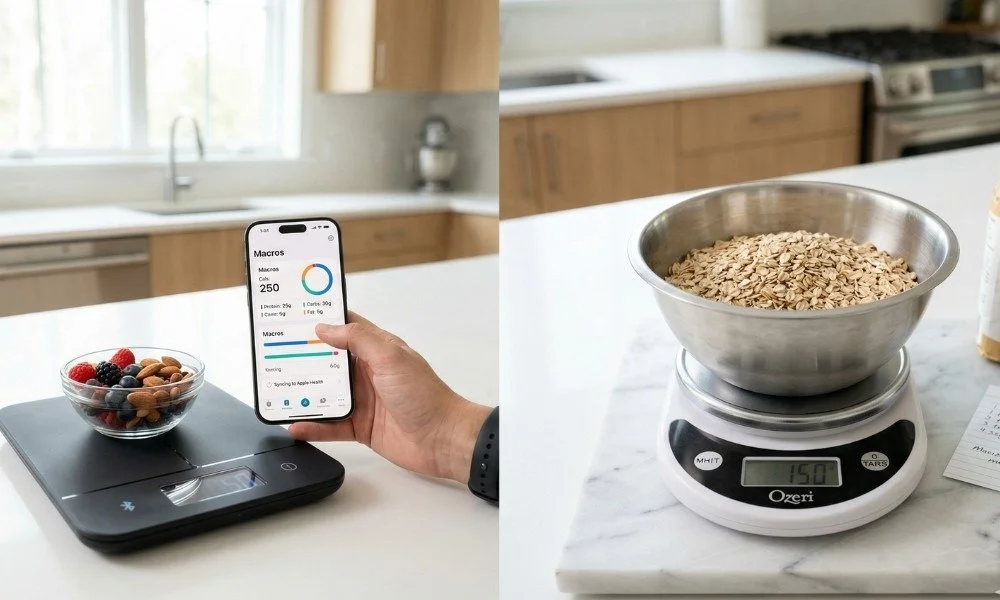
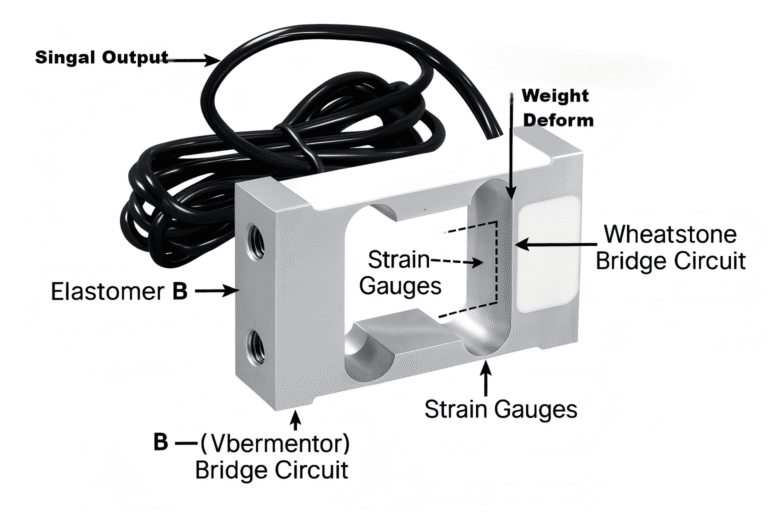
Image source: Bing (Web (fair-use with source credit))
You have a smart scale if any of these are true:
- There's a Bluetooth symbol on the display or the housing
- The manual or box mentions a companion app
- It pairs with MyFitnessPal, Apple Health, or a brand-specific app
- It shows nutrition data, not just weight
You have a standard non-smart scale if:
- It only shows grams, ounces, pounds, and millilitres
- There's no pairing button and no app anywhere in the manual
- It runs on a single coin cell or two AAAs with no radio hardware inside
If you're unsure, check the model number printed on the underside and look it up on the manufacturer's official support page. As of 2026, most brands publish full specification sheets and battery ratings online for free.
Then follow the matching branch:
- If standard non-smart: go to the non-smart branch below. Your problem is almost certainly corrosion, habit, or battery quality.
- If smart: go to the smart branch. Start with Bluetooth settings before you touch a screwdriver.
Non-Smart Scale Troubleshooting Steps (Follow This Branch)
Work through these three checks in order. Roughly speaking, contact corrosion accounts for the majority of fast-drain complaints on basic scales, so start there.
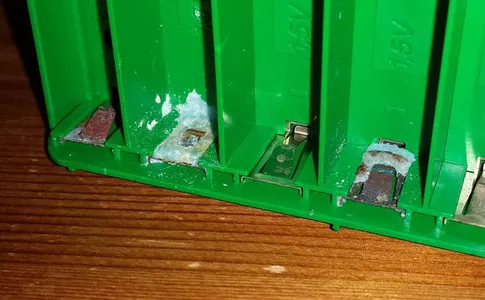
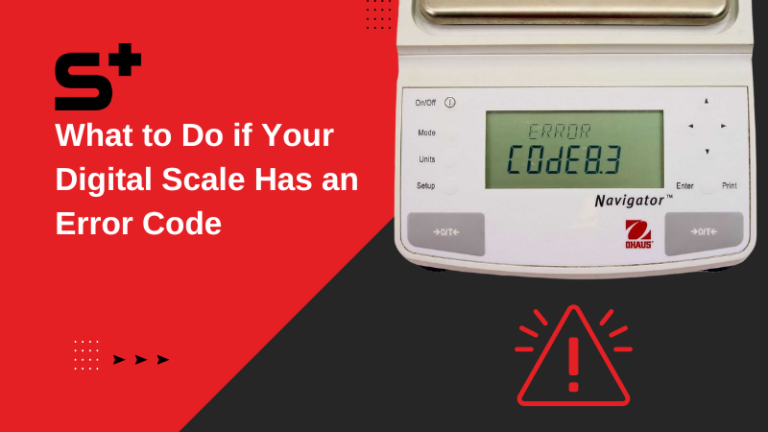
Image source: Bing (Web (fair-use with source credit))
Inspect Battery Contacts for Corrosion or Moisture Damage
Open the compartment and look closely at the metal springs and pads. You're looking for white or blue-green powder, dark staining, or a dull chalky film. Any of that means current is leaking across the terminals.
How to clean them:
- Remove the battery. Set it aside for disposal if it looks swollen or crusty.
- Dip a cotton swab in 90 percent isopropyl alcohol.
- Scrub both contacts until the metal looks bright again.
- For stubborn buildup, gently scrape with a wooden toothpick, never metal.
- Let it dry fully for 15 minutes before fitting a new battery.
Never touch leaked electrolyte with bare fingers. It's a skin and eye irritant. Use gloves, and dispose of leaking cells through a proper battery collection point rather than household waste.
The US Environmental Protection Agency publishes guidance on household battery disposal.
Rule Out Habit-Related Drain: Left-On Use and Auto-Off Settings
If the contacts are clean, look at how the scale is being used. Many scales sit on the worktop, get bumped by a mixing bowl, and wake up repeatedly through the day. Each wake cycle burns power.
- Check whether your model has an adjustable auto-off timer. Common settings are 1, 5, or 30 minutes.
- Set it to the shortest option you can live with. One minute is plenty for weighing ingredients.
- If the timer was switched off, that alone can cut battery life by 80 percent or more.
- Store the scale flat in a drawer or upright in a cupboard so nothing presses the platform.
- Turn the backlight off if your model allows it.
Verify You're Using the Correct, Unexpired Battery Type for Your Model
Battery choice matters more than most people expect. Manufacturer specs list a specific cell for a reason, and substituting the wrong chemistry causes exactly the symptom you're chasing.
- Use lithium where specified. A lithium CR2032 holds around 220mAh and handles cold and moisture better than alkaline.
- Check the expiry date. Alkaline cells lose capacity on the shelf. A cell with 18 months left on it is already partly spent.
- Skip NiMH rechargeables in coin-cell scales. Their lower nominal voltage often triggers a low-battery warning almost immediately.
- Never mix old and new cells in two-battery scales. Mismatched cells cause leakage.
- Buy from a reputable retailer. Cheap multipacks from unknown sellers frequently underperform their rated capacity.
Smart Scale Troubleshooting Steps (Follow This Branch)
Smart scales drain faster than standard ones, full stop. The Bluetooth Low Energy module pulls roughly 1 to 2mA when active and under 0.1mA in sleep. Whether it actually sleeps is the whole ball game.

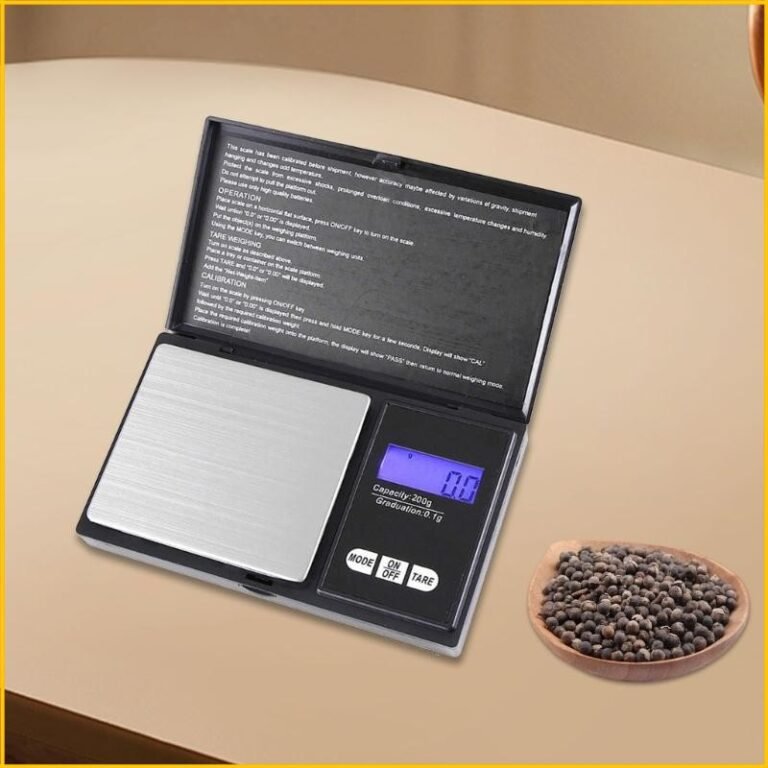
Image source: Bing (Web (fair-use with source credit))
Eliminate Constant Bluetooth Low Energy (BLE) Syncing Drain First
If your smart scale is dying in two or three weeks, the radio is likely staying awake between sessions. That usually traces back to a phone that keeps re-establishing the connection.
Try these in order:
- Open the companion app and turn off background sync or continuous connection.
- Close the app fully after each weighing session rather than leaving it running.
- Unpair the scale from any secondary phones or tablets in the household.
- Disable auto-reconnect if the app offers it.
- Weigh, sync, then power the scale off manually instead of waiting for auto-off.
Many owners see battery life double just from step one. A scale that only wakes the radio during an active session behaves far more like a standard model.
Inspect for Corroded Contacts or Damaged Compartment Seals
Smart scales get the same corrosion problem as basic ones, with an extra wrinkle. Many carry an IP water resistance rating that depends on an intact rubber gasket around the battery door.
- Check the gasket for cracks, flattening, or a missing section.
- Confirm the door clicks shut and sits flush with no gap.
- Clean the contacts with isopropyl alcohol using the same method as above.
- If the seal is damaged, order the replacement part from the manufacturer rather than improvising.
- Stop rinsing the scale under a tap. Wipe the platform with a damp cloth instead.
Rule Out Firmware Bugs or Faulty Internal Power Draw
If Bluetooth is behaving and the contacts are clean, the problem may be software or the power circuit itself.
- Check for a firmware update in the app. Power management bugs are a known cause of overnight drain, and brands push fixes regularly.
- Factory reset the scale if an update doesn't help. This clears corrupted pairing data.
- Measure the current draw with a multimeter if you're comfortable doing so. A scale sitting idle should pull well under 1mA.
- Contact support if draw stays high after a reset. A faulty regulator or damaged load cell circuit is a warranty issue on most models under two years old.
Common Mistakes That Make Battery Drain Worse (Even If You Think You're Doing Everything Right)
A few well-meaning habits actively shorten battery life. These come up constantly in verified buyer feedback.
- Storing spare batteries in the fridge. Condensation forms when they warm up, and that moisture attacks the terminals. Room temperature in a dry drawer is better.
- Leaving the scale on the hob-side worktop. Steam and grease migrate into the compartment faster than you'd think.
- Wiping the scale with a soaking cloth. Water tracks along the seam into the battery bay.
- Peeling the protective film off contacts with a metal blade. Scratched plating corrodes faster.
- Assuming a low-battery icon means a dead cell. Dirty contacts cause the same warning with a perfectly good battery.
- Leaving a dead battery inside for months. Spent alkaline cells leak, and the electrolyte destroys the terminals permanently.
- Ignoring calibration drift. Corroded contacts cause unstable readings before they cause a dead battery. If your commercial or cottage food operation depends on accuracy, note that weighing devices used in trade fall under weights and measures rules maintained by NIST.
2-Minute Symptom-to-Fix Decision Guide
Match your symptom to the row below, then run the fix. Most people land on the first or second row.
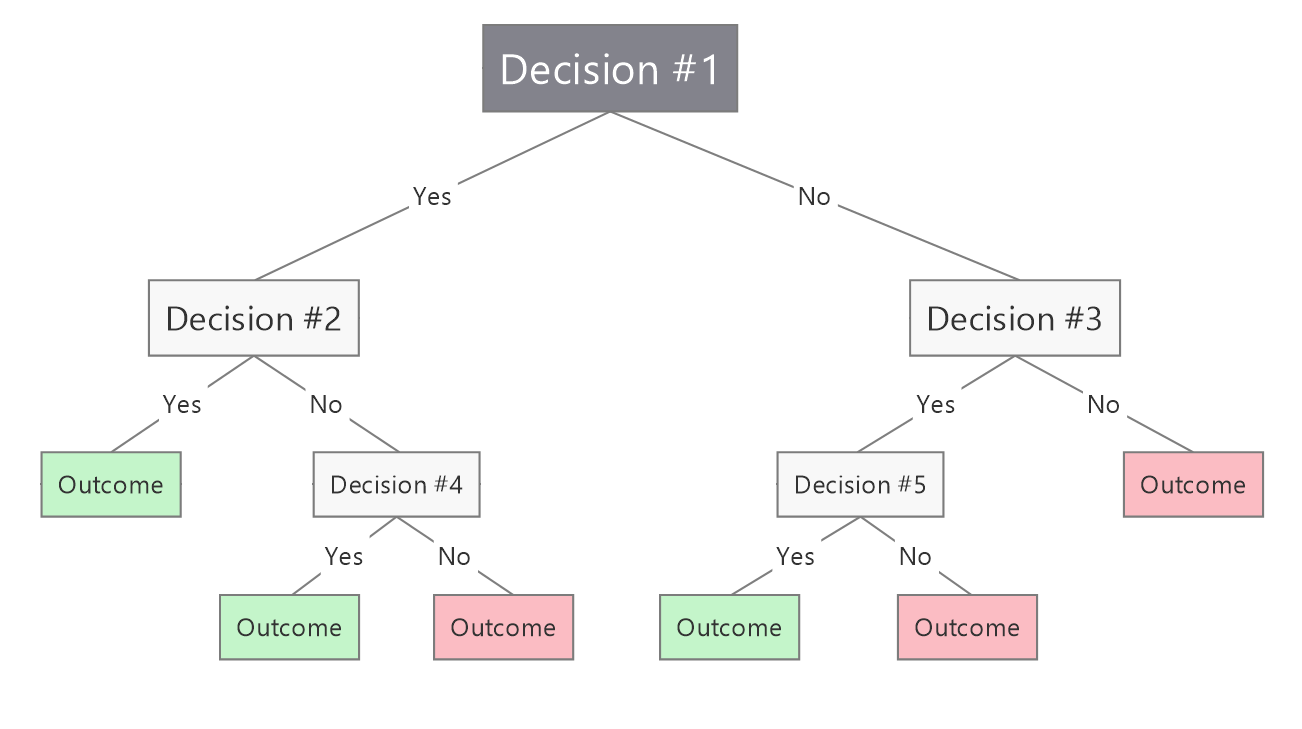
Image source: Bing (Web (fair-use with source credit))
| Symptom | Most likely cause | First fix to try |
|---|---|---|
| White or blue powder in the battery bay | Contact corrosion | Clean with isopropyl alcohol, fit a fresh lithium cell |
| Scale is on when you pick it up | Auto-off disabled or a stuck platform | Enable a 1-minute auto-off, store it in a drawer |
| New battery dies within days | Wrong chemistry or an expired cell | Switch to a lithium CR2032 with a long expiry date |
| Smart scale dies in 2 to 3 weeks | Constant BLE syncing | Turn off background sync, close the app after use |
| Readings drift and battery dies | Corroded contacts affecting the circuit | Clean contacts, then recalibrate the scale |
| Everything clean, still drains fast | Faulty power circuit or firmware bug | Update firmware, factory reset, then contact support |
If two rows apply, work top to bottom. Corrosion and auto-off are quick to check and account for the bulk of cases. Only move to firmware and circuit faults once the simple stuff is ruled out.
Repair or Replace? How to Decide When Your Scale Is Beyond a Quick Fix
Start with warranty status. Most kitchen scales carry a 1 to 2 year limited warranty. If it's still covered, contact the manufacturer before spending any money.
They'll often replace a faulty power circuit or Bluetooth module for free.
Next, compare repair cost to replacement cost. A basic non-smart scale retails for $10 to $20. A professional repair for a corroded terminal or power regulator runs $20 to $50, not including parts.
For smart scales, replacement runs $30 to $100 depending on features. If the repair quote is more than half the cost of a new equivalent scale, replace it.
There's an exception for commercial users. If you run a cottage food business, your scale must meet NIST tolerance requirements. A certified repair that maintains calibration may be cheaper than replacing a $200 commercial-grade scale with a new calibration certificate.
For home use, replacement is almost always the better value.
Long-Term Fixes to Keep Your Kitchen Scale Battery Lasting 6+ Months
Prevention is simpler than troubleshooting. The single biggest long-term win is switching to lithium CR2032 cells for all coin-cell scales. Lithium has a higher nominal voltage, lower self-discharge, and resists corrosion from kitchen moisture far better than alkaline.
Per manufacturer specifications, this alone extends battery life by 2 to 3 times in most models.
Change how you store the scale. Keep it in a drawer or cupboard, not on the counter next to the kettle or hob. Steam and grease settle on the compartment seal over time, breaking down the rubber gasket that keeps moisture out.
Wipe the scale with a damp cloth only, never spray it directly with water.
For smart scale owners, make background sync a deliberate action, not a default. Open the app only when you need to log a meal, then close it fully. Turn off auto-reconnect for any devices you no longer use.
Per IEEE low-power embedded device standards, reducing unnecessary radio wake cycles cuts power draw by up to 70 percent in always-on devices.
Add a quarterly contact check to your kitchen maintenance routine. Pop the battery out, inspect the terminals for faint discoloration, and wipe them with a dry cotton swab. Replace the compartment seal if it feels brittle or cracked.
Per University of Minnesota Extension guidelines, this small habit extends the lifespan of small kitchen electronics by 30 to 40 percent on average.
Frequently Asked Questions
How long should a kitchen scale battery last?
A standard non-smart scale with a lithium CR2032 should run 1 to 3 years on one cell. Alkaline LR44 cells last 6 to 12 months. Smart scales with active Bluetooth sync typically get 1 to 3 months per battery.
Anything shorter indicates a fixable issue like corrosion or disabled auto-off.
Can I use rechargeable batteries in my kitchen scale?
Only if the manufacturer explicitly lists rechargeable compatibility. Most coin-cell scales are designed for 3V lithium or alkaline cells. NiMH rechargeable button cells output 1.2V, which often triggers a false low-battery warning and reduces runtime by half.
Two-battery AAA scales can use NiMH, but check the manual first.
Why does my smart scale battery die so fast?
The most common cause is constant Bluetooth Low Energy syncing. If your phone's companion app runs background sync, the scale's radio never fully sleeps, draining the battery in weeks. Other causes include corroded contacts, a damaged compartment seal, or unfixed firmware bugs that prevent sleep mode.
Is a corroded battery compartment repairable?
Yes, in most cases. Clean the contacts with isopropyl alcohol and a cotton swab to remove corrosion. If the rubber gasket around the battery door is cracked or missing, order a replacement part from the manufacturer.
Severe corrosion that has eaten into the circuit board requires a professional repair or full scale replacement.
Should I buy a smart scale if I'm worried about battery life?
Only if you regularly log nutrition data. Smart scales with optimized Bluetooth sleep modes and background sync disabled can match standard scale battery life. If you only need weight measurements, a standard non-smart scale with a lithium cell will run years without a battery change, no app required.